Acuity & BMS intergration

Product Features
-

External temperature sensor support
Acuity provides full details of the status of the ventilation unit.
-

Monitoring and control of up to 55 rooms
The Room Details page gives full details on the room environment and monitoring of the ventilation units present within that room.
-

ModBus and BACnet support
Minimises the complexity of system communication and eliminates the associated licensing fees typically required for each BACnet point.
-

At a glance readout of zone status & performance
Enables precise control over individual rooms or zones, offering tailored climate solutions.
-

General Digital and Analog I/O for future functionality
Utilising automated continuous monitoring software, the control system remotely monitors and diagnoses potential issues before they occur.


Acuity Controls
Touchscreen Control
Building Management System (BMS) are intrinsically linked to the operation of building services. However, they are often considered overly complex for users. The Acuity with it's 10th touch screen provides an elegant system that is easy to use.
Remote Monitoring
Acuity securely uploads operational data of all systems to the cloud via its 4G connection. The data is then autonomously analysed, allowing performance to be reviewed and any issues flagged, allowing Monodraught to pro-actively support and address any issues on site.
Email Notifications
Daily feedback is available to facility managers ensuring that any maintenance requirements or opportunities for energy saving is understood.

User Interface
Home View:
The Home view displays he current system state and allows the user to easily choose between preset modes.
Holiday Mode: Building wide holiday mode disables systems when not needed for a long time.
Rooms View:
The Rooms View displays the current temperature and CO2 levels of all the rooms within each zone. The user can click on an individual room to display more detailed information about that room.
Up to 55* rooms can be connected into the controller and are accessible from this view.
Room Details:
The Room Details page gives full details on the room environment and monitoring of the ventilation units present within that room. The user can configure which setpoints profile the room should operate with, or customise the setpoints individually for the room.
The user can also select an individual ventilation unit to be taken to its specific status page. The Ventilation Unit Details page gives full details of the status of the unit.

Explore the full EC-Link solution here.
Helping create healthier, more sustainable buildings through pioneering ventilation and indoor air quality solutions.

Suitable Nuaire Products
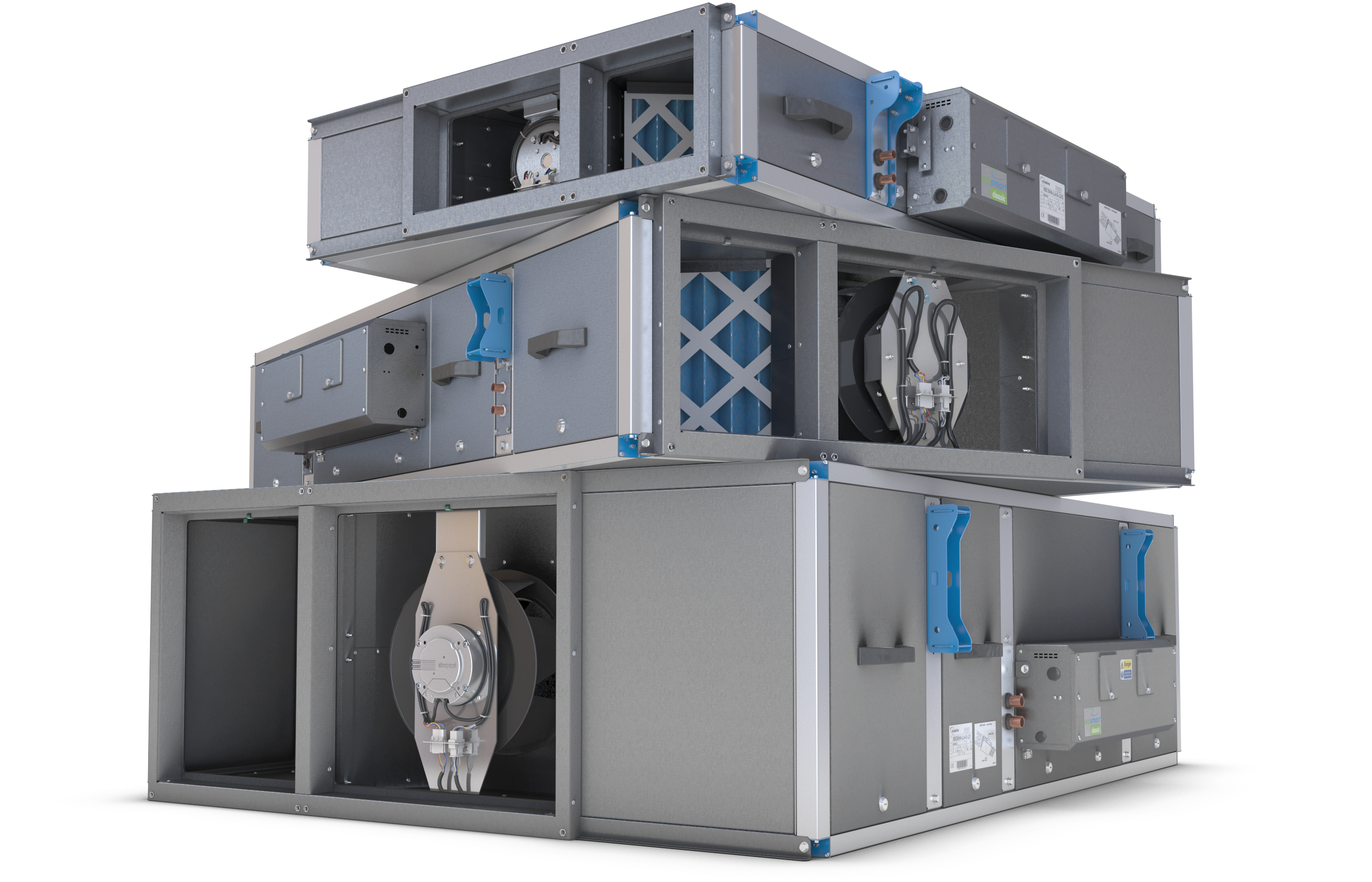
XBOXER XBC+
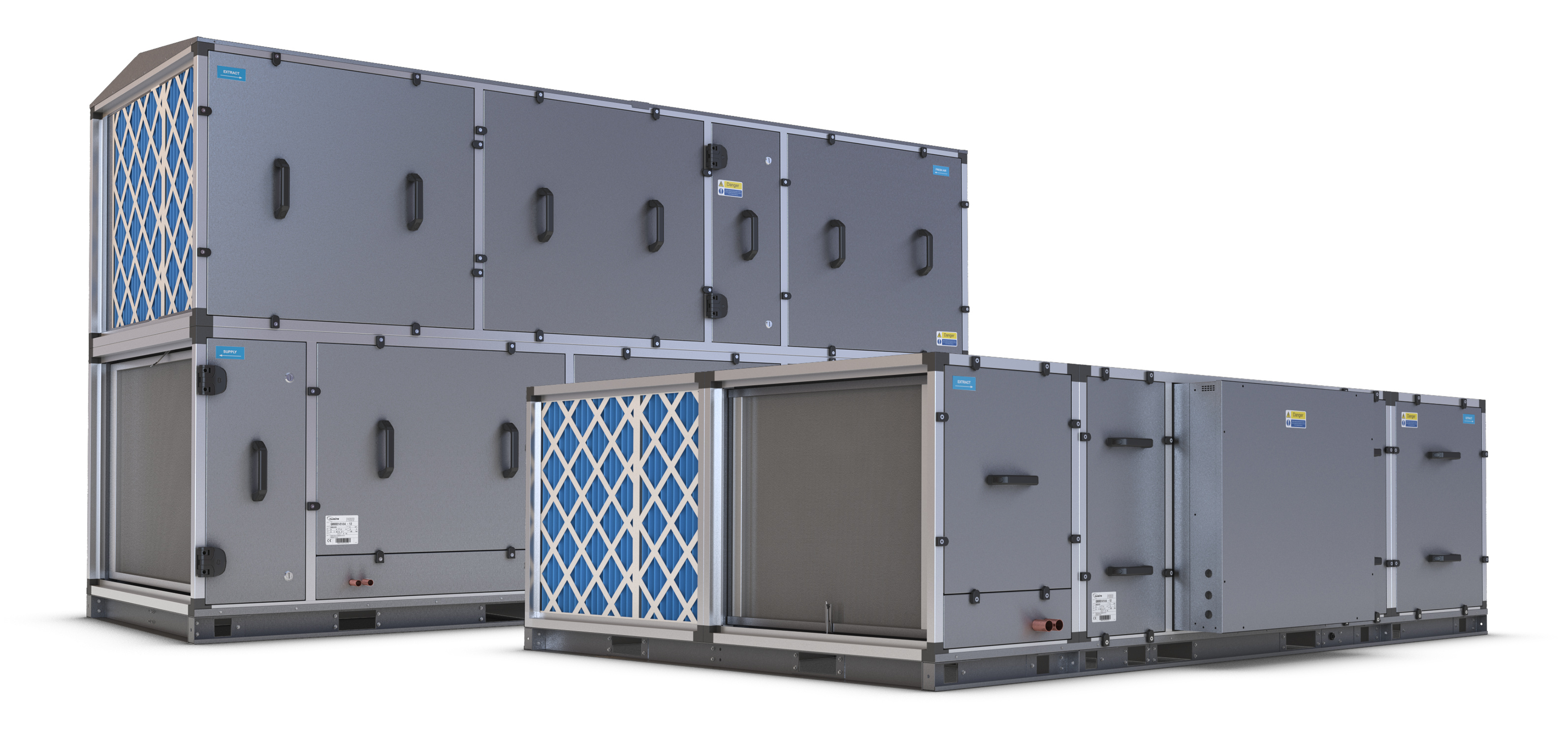
XBOXER XBC 75-85
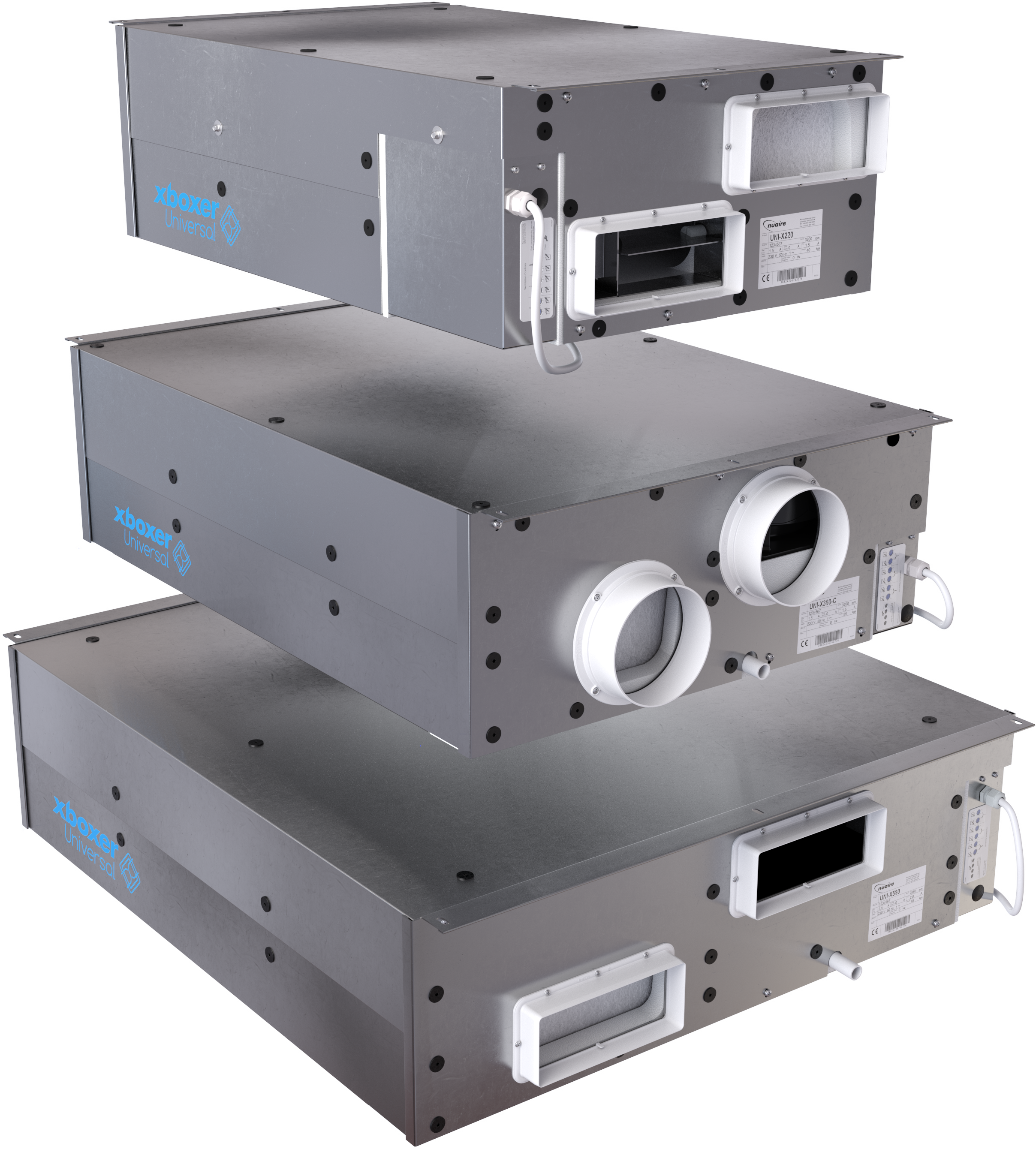
XBOXER UNIVERSAL
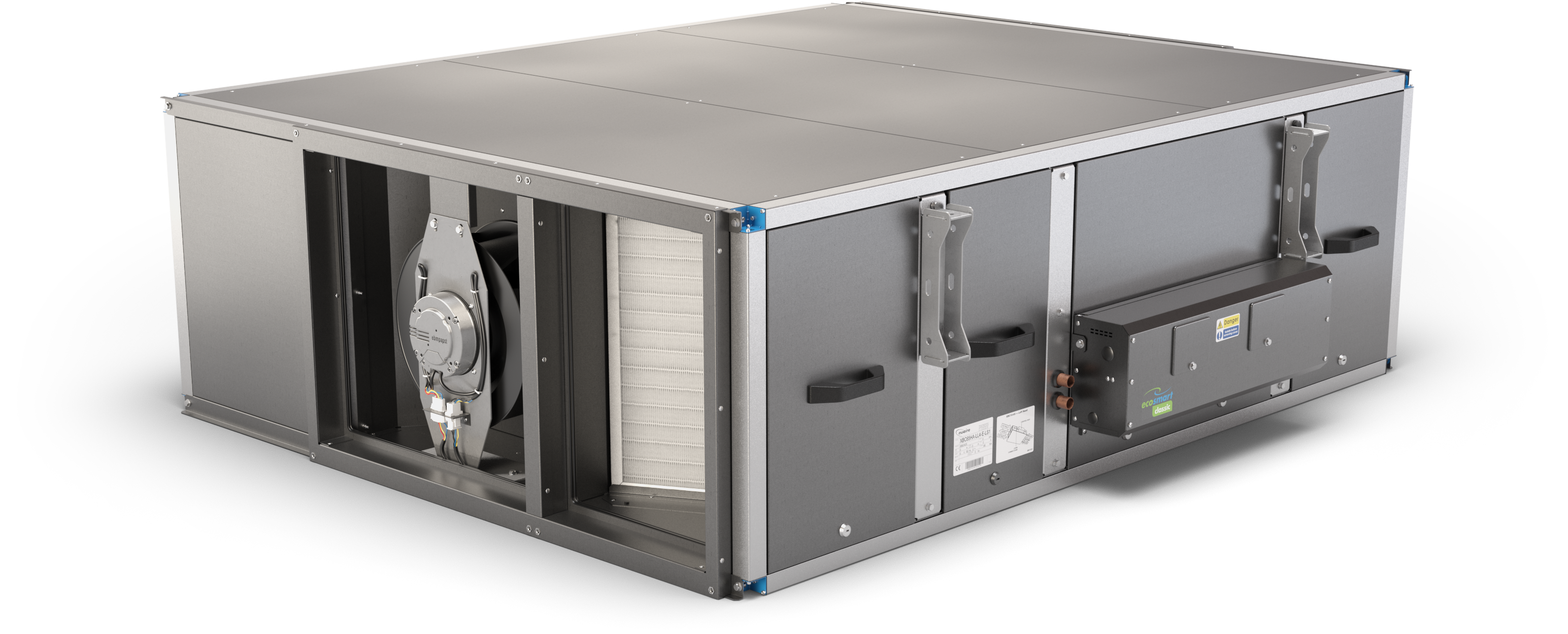
XBOXER XPC 55-65 PASSIVHAUS
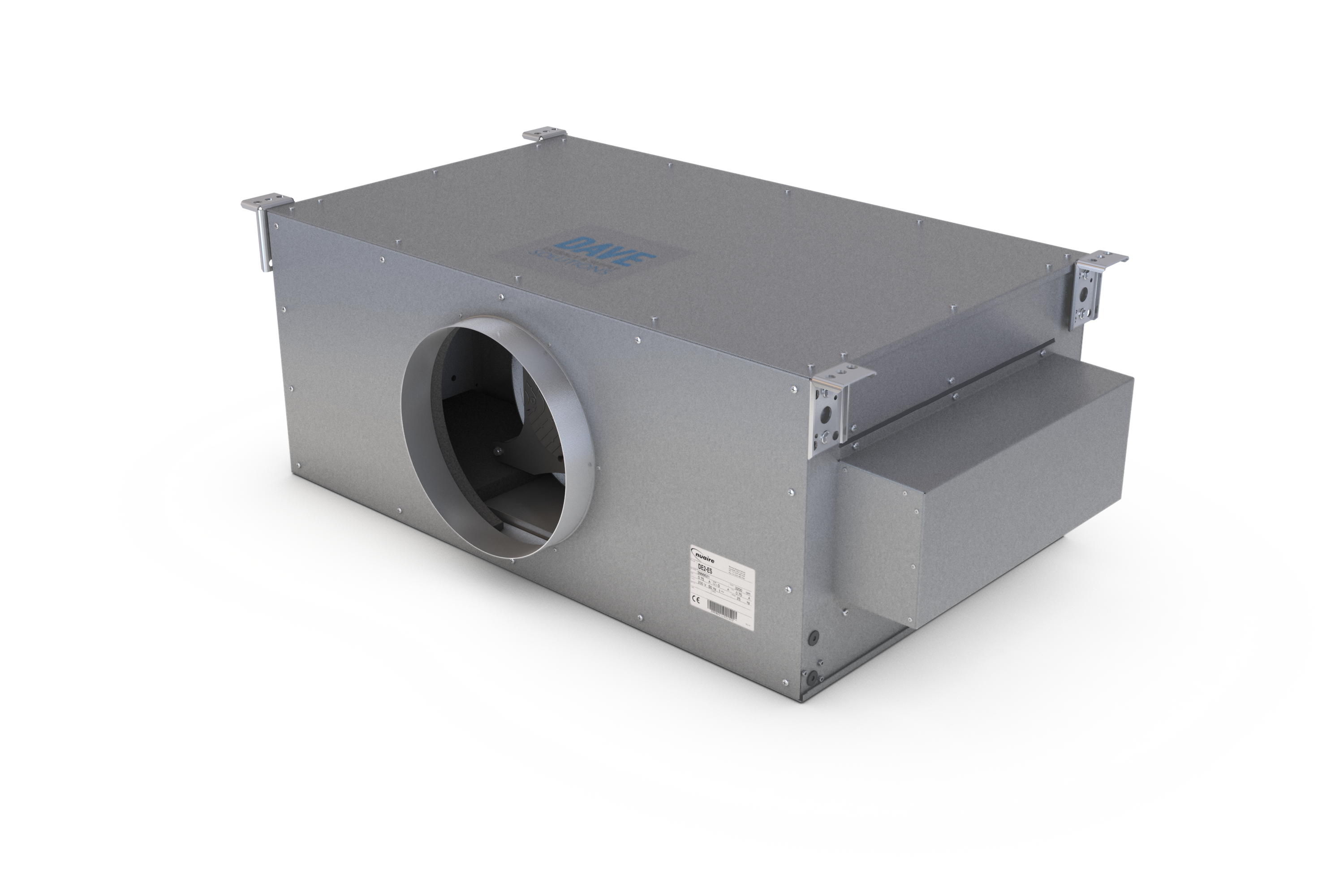
DAVE
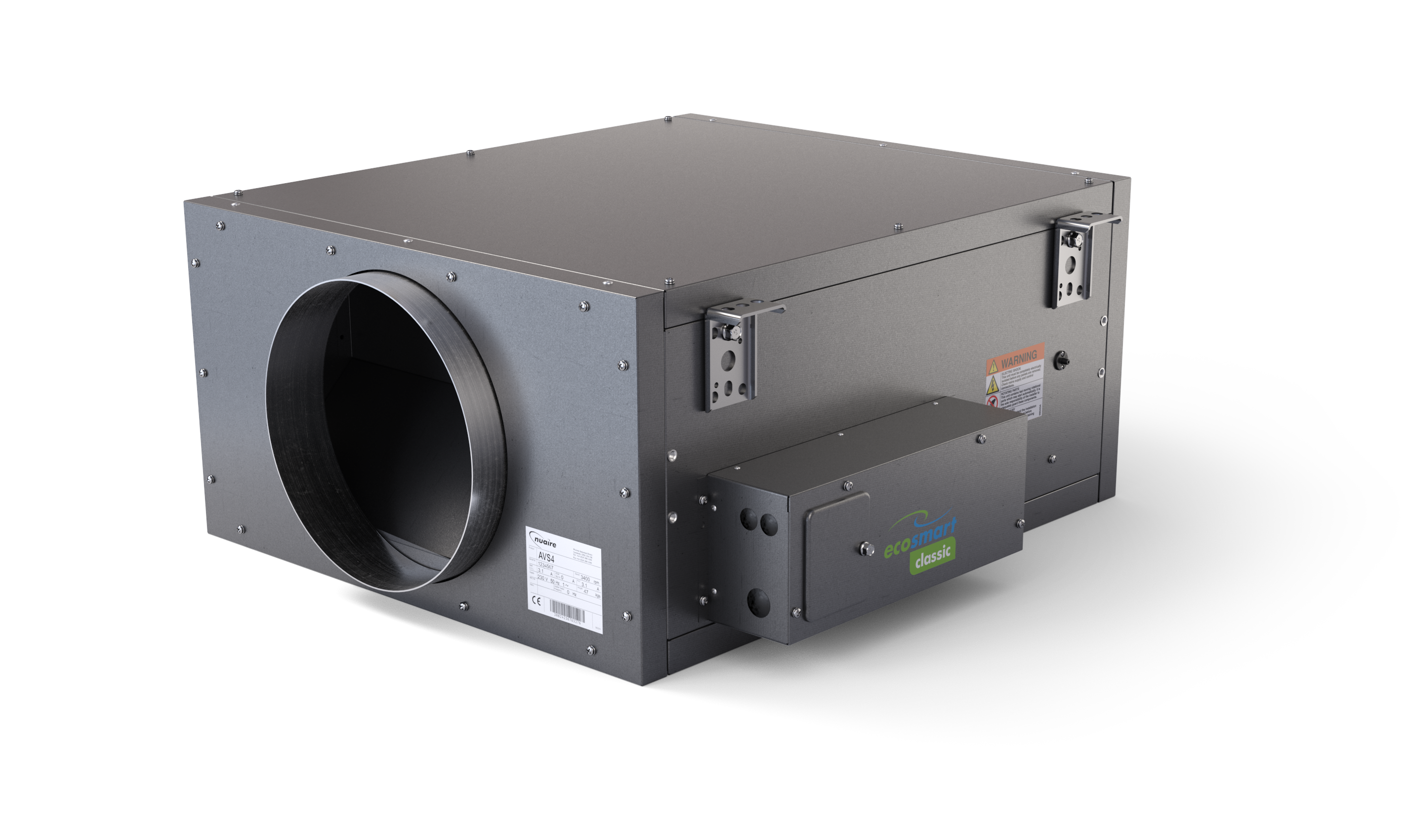
AIRE-VOLVE SINGLE